

Short Answer
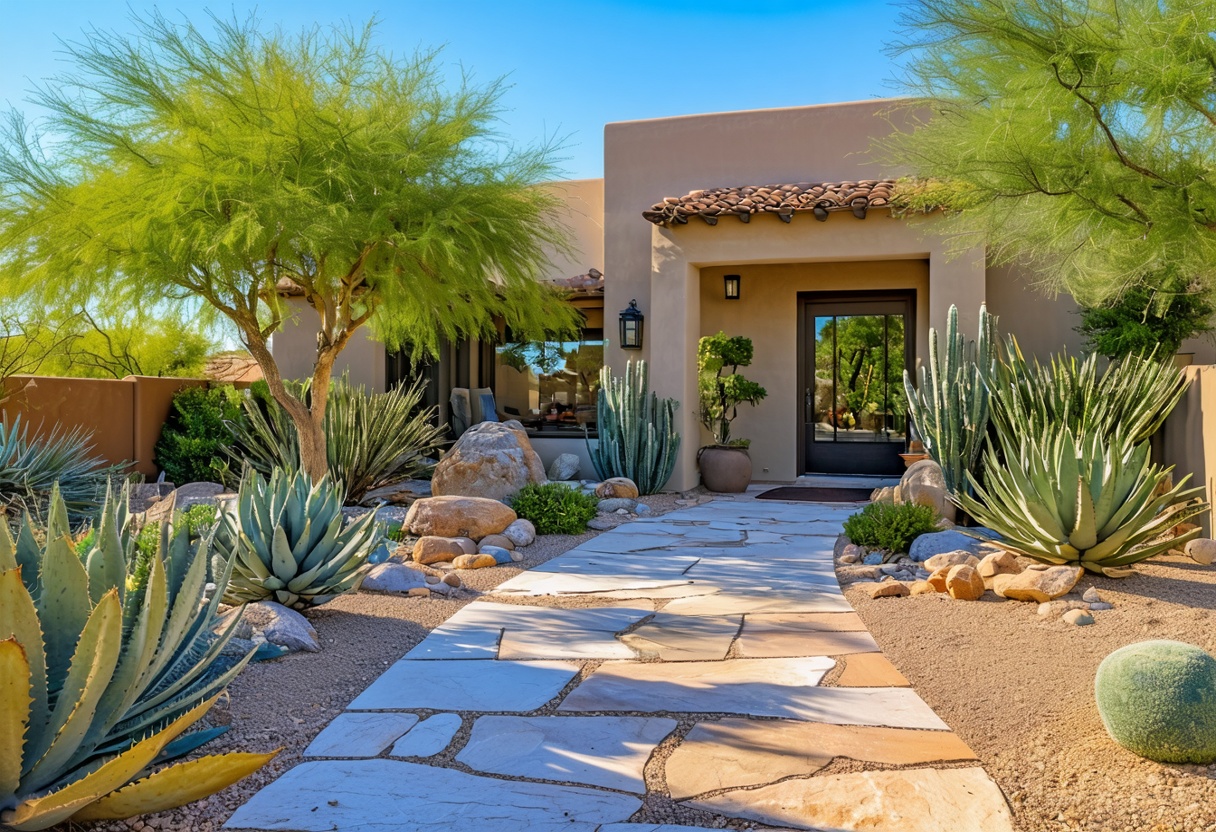
Imagine stepping into a sun-drenched desert landscape without leaving your living room. The air hums with the whisper of wind through arid grasses. A vibrant cactus garden unfolds before you, its spiky sentinels casting intricate shadows on the sandy ground. This isn’t a distant dream—it’s the promise of virtual reality (VR), where technology and nature converge to create immersive, breathtaking experiences. Designing a cactus garden in VR isn’t just about aesthetics; it’s about crafting an escape, a sanctuary, or even a meditative space where the boundaries between the physical and digital dissolve. Whether you’re a seasoned gardener, a VR enthusiast, or someone seeking solace in a pixelated oasis, this guide will illuminate the path to designing your own cactus garden in virtual reality.
The Allure of Arid Elegance: Why Cactus Gardens Thrive in VR
Cactus gardens possess an inherent magnetism—their stark silhouettes, resilient beauty, and the paradox of life thriving in harsh conditions make them a compelling subject for VR design. In a virtual space, you’re not bound by the limitations of soil, climate, or space. You can scale towering saguaros to the heavens or nestle delicate prickly pear clusters in a miniature desert tableau. VR allows for hyper-realistic textures, dynamic lighting that shifts with the sun’s arc, and interactive elements that let you “touch” the spines of a barrel cactus or “hear” the crunch of sand underfoot. The immersive nature of VR transforms a simple garden into a multisensory journey, where every detail—from the iridescent sheen of a cholla’s spines to the subtle scent of creosote bushes—can be meticulously curated. For those who crave the serenity of nature but lack access to a real desert, VR offers a lush, sunlit alternative.
Choosing Your Virtual Canvas: Platforms and Tools for VR Garden Design
Before you can cultivate your digital desert, you’ll need the right tools. The VR landscape is vast, with platforms catering to different levels of expertise and creative vision. For beginners, user-friendly engines like Unity or Unreal Engine provide drag-and-drop interfaces and pre-built assets, making it easy to prototype a garden without deep coding knowledge. More advanced designers might dive into Blender for 3D modeling, where they can sculpt cacti from scratch, or use Tilt Brush to “paint” a garden in 3D space with virtual brushstrokes. For those who prefer a no-code approach, platforms like Spatial or GardenVR offer pre-designed templates where you can drag and drop cacti, rocks, and pathways into a virtual plot. Consider your goals: Are you designing for personal relaxation, social VR hangouts, or even educational purposes? Each platform serves a unique purpose, from the tactile precision of Medium by Adobe to the collaborative potential of VRChat, where your garden can become a shared digital sanctuary.
From Seed to Pixel: Selecting and Customizing Cactus Species
The heart of any cactus garden lies in its flora. In VR, you’re not limited to the cacti that thrive in your region—you can cultivate a monstrose form of a golden barrel cactus next to a towering Pachycereus pringlei, or even hybridize species that exist only in your imagination. Start by researching real cacti to ground your design in authenticity. Study the areoles (those tiny, fuzzy bumps from which spines grow), the undulating ribs of a Ferocactus, or the delicate, ephemeral blooms of a Mammillaria. In VR, these details can be exaggerated for dramatic effect—a cactus with spines that shimmer like obsidian, or one whose flowers pulse with bioluminescent light. Don’t overlook the “ugly” cacti, either; the contorted, gnarled forms of an old man cactus or the asymmetrical sprawl of a rat tail cactus add character and whimsy. For a touch of surrealism, blend real species with fantastical elements, like a cactus whose spines are made of crystalline shards or one that blooms with neon fireworks.
Laying the Groundwork: Terrain, Texture, and Environmental Design
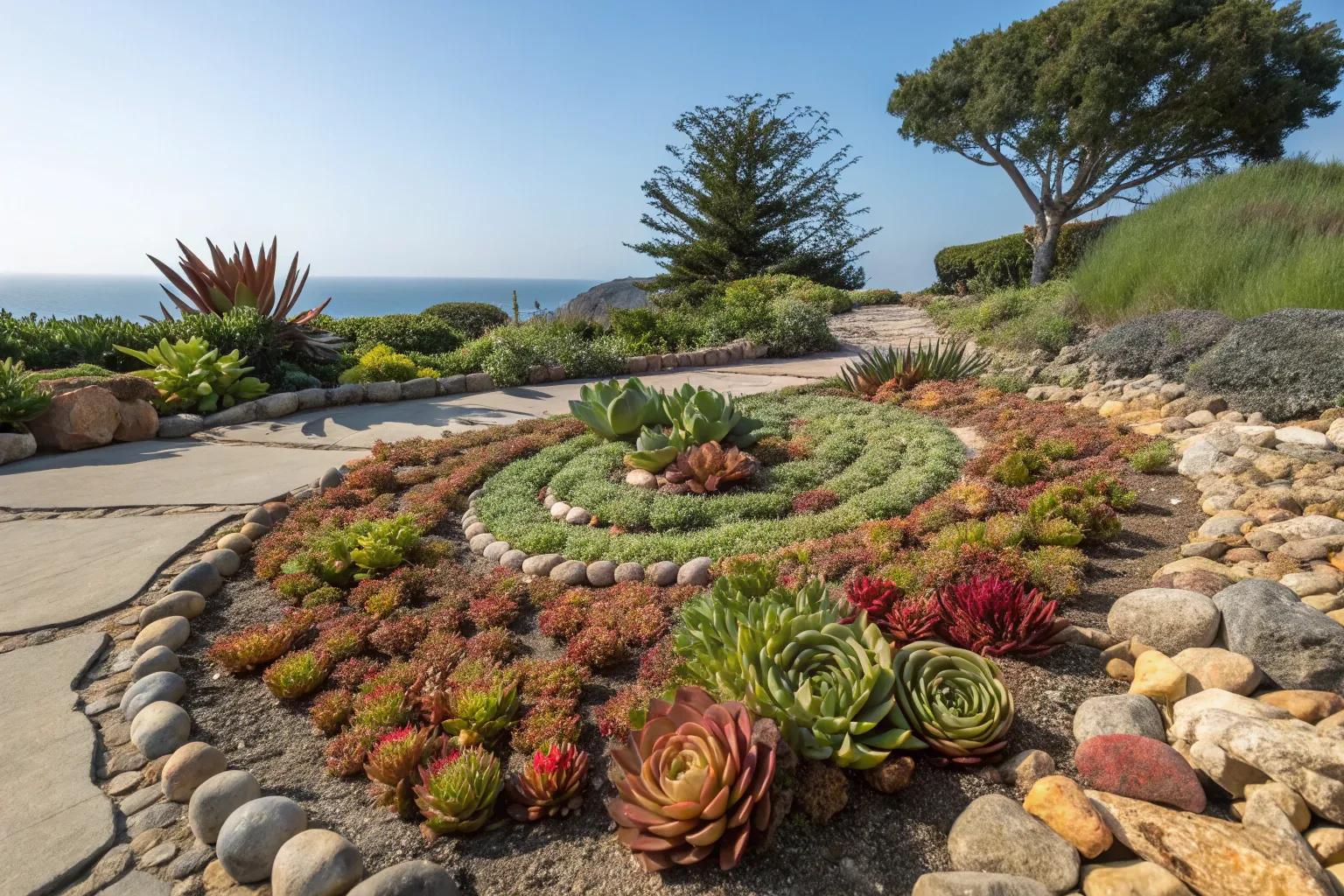
A cactus garden’s soul is in its terrain. Will your VR landscape be a sprawling Sonoran Desert, a compact urban oasis, or a surreal dreamscape where cacti grow on floating islands? Begin with the topography: sculpt the ground to mimic the undulating dunes of Baja California or the rocky, volcanic soil of the Chihuahuan Desert. Texture is key—use high-resolution images of real sand, gravel, and rock to create tactile surfaces that beg to be touched (even if your fingers only pass through pixels). Consider the play of light: the golden hour glow of a desert sunset, the sharp contrast of midday shadows, or the ethereal blue of twilight. Add environmental details like drifting dust motes, the distant call of a roadrunner, or the rustle of a sidewinder snake slithering through the undergrowth. For a more immersive experience, integrate dynamic elements like shifting sand dunes or a sudden downpour that briefly transforms the garden into a lush, albeit temporary, paradise.
Interactivity and Engagement: Making Your Garden Come Alive
The magic of VR lies in its interactivity. A static cactus garden is a painting; an interactive one is a living ecosystem. Design elements that invite exploration: a cactus that “sings” when plucked, a hidden grove revealed only when you crouch and peer under a rock, or a time-lapse feature that shows a cactus blooming over days or weeks. Incorporate gamification—perhaps a scavenger hunt where users locate rare cacti, or a “survival mode” where they must nurture their garden through virtual droughts. For social VR spaces, add multiplayer features: friends can meet in the garden to share stories, take photos, or even “plant” digital seeds that grow into collaborative art installations. Don’t forget haptic feedback—if your VR system supports it, the sensation of brushing against a prickly pear’s spines or the vibration of a hummingbird’s wings can deepen the immersion. The goal is to make your garden feel alive, responsive, and deeply personal.
Soundscapes and Aromas: The Unseen Layers of VR Design
Sight and touch are only part of the equation. A truly immersive cactus garden engages all the senses. Craft a soundscape that transports users to the desert: the distant rumble of a thunderstorm, the creak of a saguaro’s ribs in the wind, the chirp of a desert sparrow, or the rhythmic drip of water from a hidden oasis. Use spatial audio to place sounds in the environment—footsteps crunching on gravel, a rattlesnake’s warning buzz emanating from a nearby crevice. For aromas, leverage VR’s potential with scent-emitting devices like OVR Technology’s OVR scent module, which can release the earthy scent of creosote bushes or the sweet perfume of a blooming night-blooming cereus. If scent tech isn’t available, describe the fragrances in a narrative overlay or ambient text, inviting users to imagine the scent of rain on dry earth or the resinous aroma of a pinion pine. These unseen layers transform a visual experience into a full-bodied journey.
Ethical Considerations: Preserving Nature in a Digital Space
As you design your VR cactus garden, consider the ethical implications of digital nature. While VR allows for limitless creativity, it’s important to avoid cultural appropriation—many cactus species hold significance in Indigenous cultures, and their depiction should be respectful. Avoid stereotypes or caricatures, and educate yourself on the real-world ecosystems you’re drawing inspiration from. Additionally, consider the environmental impact of VR itself. Data centers powering these experiences consume energy, so aim for efficiency in your designs—optimize textures to reduce file sizes, and reuse assets where possible. For a more sustainable approach, design gardens that raise awareness about real-world conservation, such as highlighting endangered cacti or the effects of climate change on desert ecosystems. Your digital garden can be a force for good, inspiring real-world action.
Sharing Your Vision: Exporting and Showcasing Your VR Garden
Once your cactus garden is complete, the next step is sharing it with the world. Most VR platforms allow you to export your creation as a standalone experience or a shareable file. For Unity or Unreal Engine projects, you can build a standalone VR app for platforms like Oculus Quest or Valve Index. If you’re using a social VR platform, upload your garden to a public space where others can explore it. Document your process with screenshots, timelapse videos, or even a VR tour guide that narrates the design choices. Consider submitting your garden to VR art galleries or competitions, or share it on platforms like Sketchfab for a web-based preview. The goal is to inspire others—to show them that a desert oasis can bloom in the digital realm, and that anyone can cultivate their own slice of paradise, one pixel at a time.
FAQ
What tools are recommended for designing a cactus garden in VR?
User-friendly platforms like Unity and Unreal Engine are great for beginners, while Blender and Tilt Brush can be used for advanced modeling.
How can I make my VR cactus garden interactive?
Incorporate elements like gamification, hidden features, or social aspects to engage users.

Leave a Reply